Chrome Extension · v1.0.9 · Free

Control Every
Video Speed

Watch smarter. Speed up lectures, slow down tutorials, skip the boring parts. Works on YouTube, Netflix, Twitch, and everywhere else.

Add to Chrome — Free See Features ↓
Max Speed
0.25×
Min Speed
All
Sites Supported
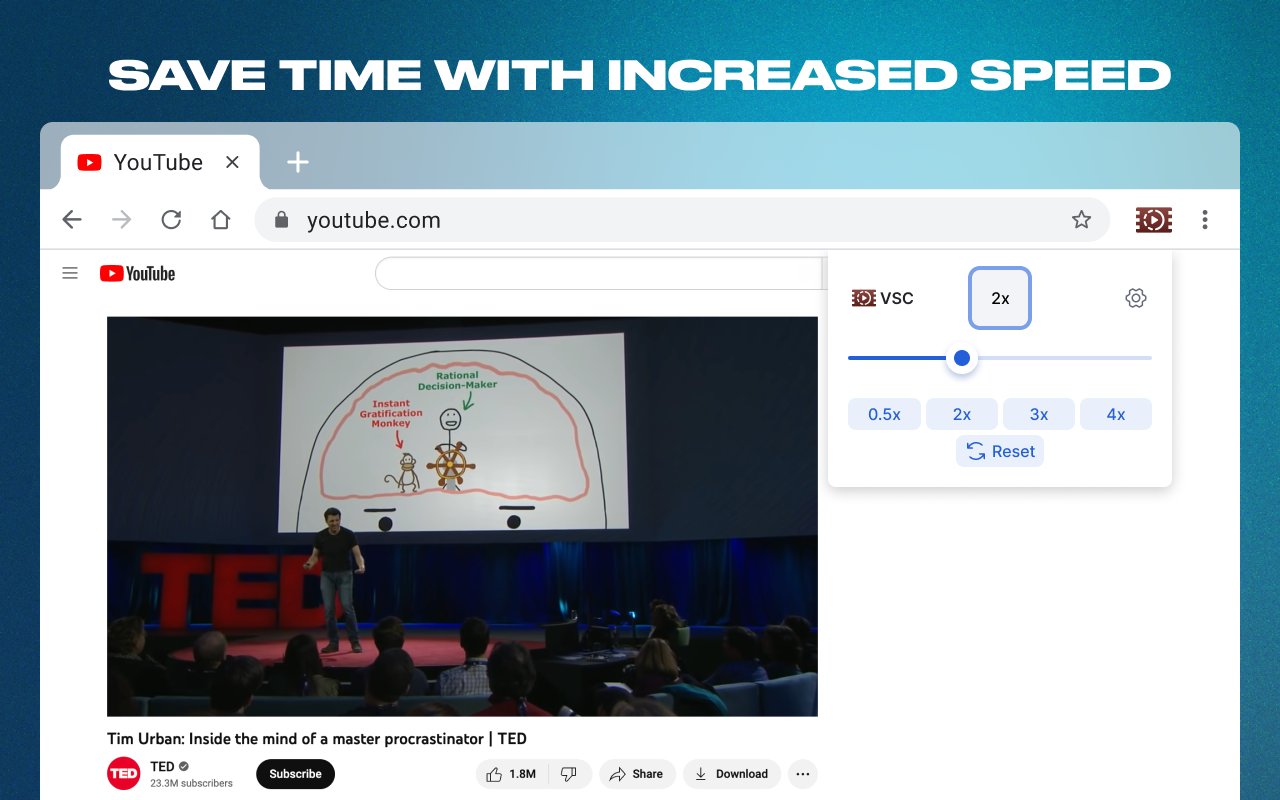
Save time with increased speed – VSC popup on YouTube
Built for speed.
Refined for control.
Instant Speed Control
Adjust playback from 0.25× to 4× with a slider or quick preset buttons. One click, instant change.
⌨️
Keyboard Shortcuts
Speed up or slow down without touching the mouse. Fully customizable hotkeys so you stay in flow.
🔒
Site Blacklist
Block speed changes on specific sites like Instagram or Facebook. Your settings, your rules.
🌐
Works Everywhere
YouTube, Netflix, Prime Video, Twitch, Disney+, and any site with an HTML5 video player.
💾
Per-Tab Memory
Speed is saved per browser tab. Switch tabs — your speed preference stays right where you left it.
🆓
Completely Free
No subscriptions, no paywalls, no upsells. Just a fast, clean extension that does exactly what it says.
Supports all popular platforms – Netflix, YouTube, Twitch, Disney+
Up and running
in 30 seconds.
01
Install
Click "Add to Chrome" and confirm. No account, no sign-up, no data collected.
02
Open Any Video
Go to YouTube, Netflix, Twitch — any site with video. The extension activates automatically.
03
Click the Icon
Click the VSC icon in your toolbar. A clean popup appears with your speed controls.
04
Pick Your Speed
Drag the slider or tap a preset. Use keyboard shortcuts for fully hands-free control.
0.25×
0.5×
1.5×
2.5×

Stop Watching
At 1×

Join thousands of users who save hours every week. Free, fast, and works on every site.

Add to Chrome — It's Free